How I’m Using AI as a Design Tool
AI’s been shifting the way we designers work in a dramatic way, but from person to person we’re all using it very differently. Here are some actual examples of how I’m trying to be creative with AI in my day-to-day.
- Creating quicker prototypes using Figma Make
- Building production-accurate prototypes with Claude Cowork
- Building and deploying landing pages with a custom update tool
- Accurately transcribing user interviews for AI Analysis
- Creating a Claude Skill for brand-voice copywriting
Creating quicker prototypes using Figma Make
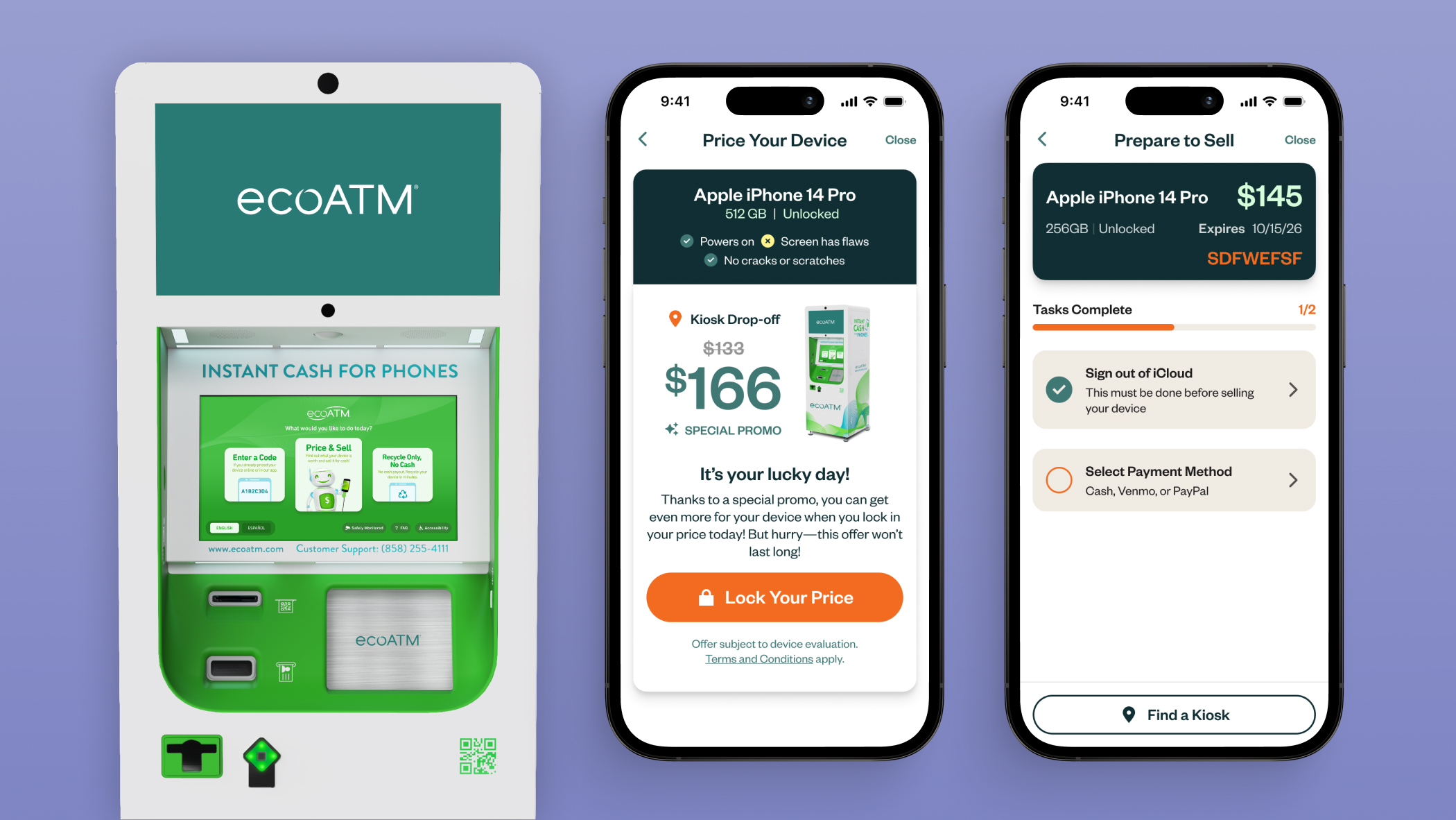
Figma Make is great at quickly prototyping new interactions. To make this process easier, I’ve created a boilerplate of our “Price Your Device” tool. This way I’m able to duplicate this file, and have a more accurate starting point when testing out new features.
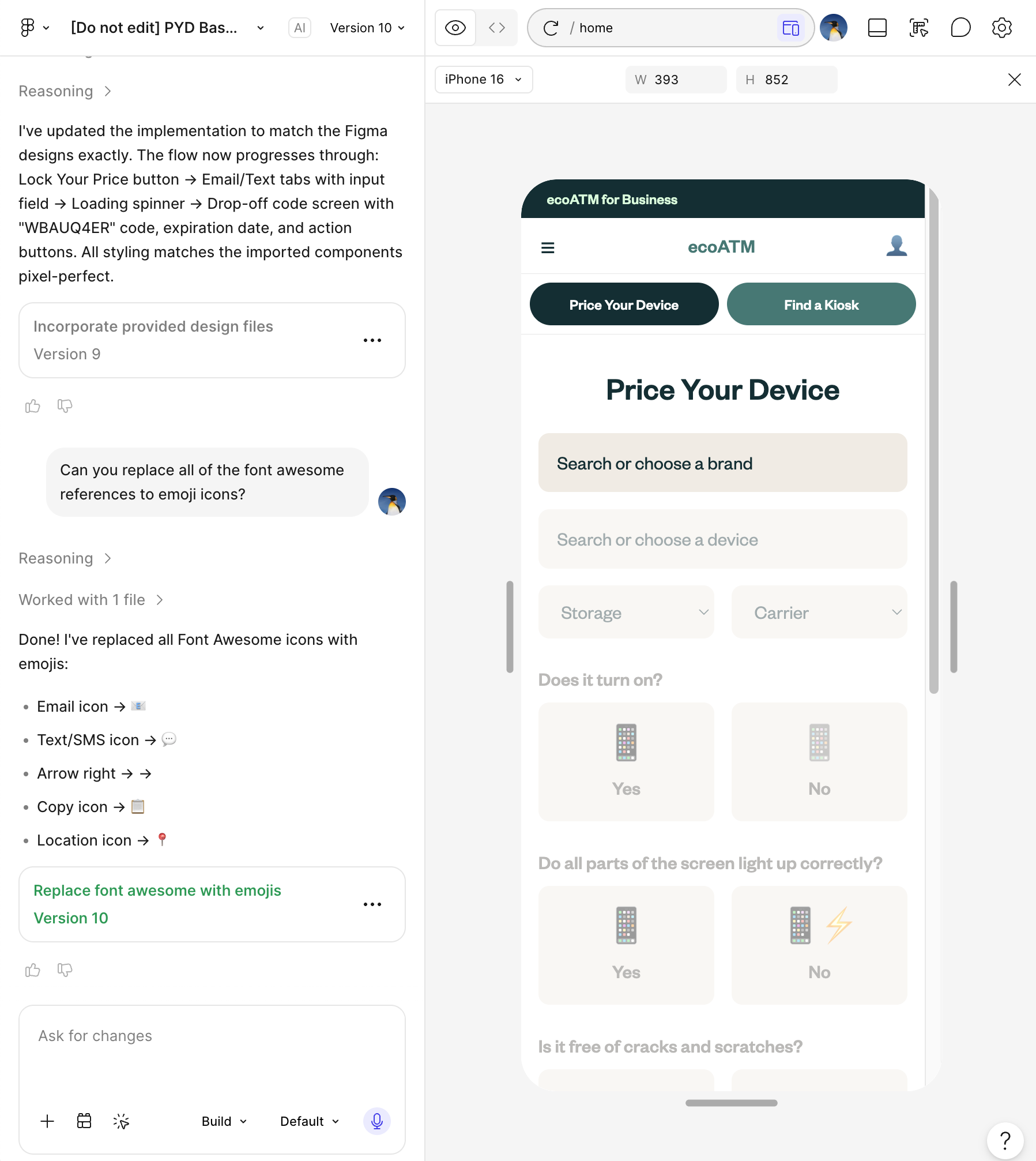
Another helpful prompting technique I’ve found is following the Task, Context, Elements, Behaviors, Constraints framework described in this Figma article.
Task:
Context:
Elements:
Behavior:
Constraints:
I don’t always use every part of the framework, here was my starting prompt:
Task: I want you to build me this price your device page. It should have dummy data in it, one of the frames I pasted is the starting state, the second one is when it’s all filled out. Once it’s filled out, and the user hits “Get Price Estimate” It goes to the screen with the price, auto scrolling down to see the price.
Context: The user is getting a quote for an old phone they are trying to sell.
Building production-accurate prototypes with Claude Cowork
Figma Make is great for getting something together quickly, but sometimes I want something that is more accurate to the production tool on our website. For that, I've been using Claude Cowork.
To build this prototype I accessed the codebase for our "Price Your Device" tool to create a production-accurate prototype that is able to call our API.
I then fed it the code from my Figma Make prototype to replicate the new feature (progress bar + confetti).
This allows testing interactions with real devices and prices called from our API. In the case of this prototype, pricing a device with value will toss 💰 💵 🤑 confetti vs. pricing a device that is recyclable will toss ♻️ 🌎 confetti instead.
I've been experimenting with showcasing new interactions by using these coded prototypes, and have gotten a positive response from my product and engineering teammates. In the future I want to test using AI prototypes to demonstrate entire user journeys.
Building and deploying landing pages
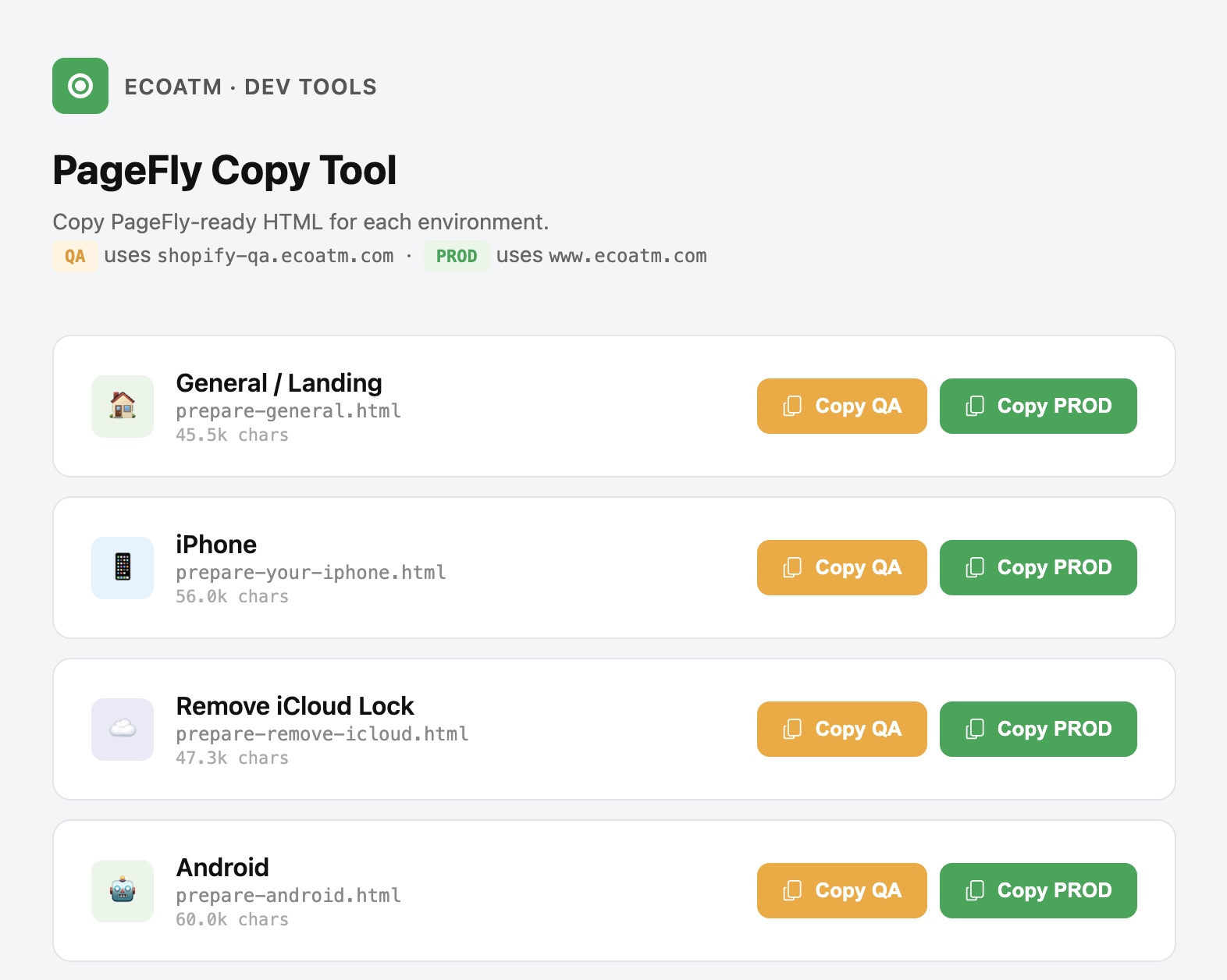
Our website is built on top of Shopify, and over the years we’ve used PageFly (a drag and drop page builder) as the primary method of building landing pages. We found it finicky, getting pages to match the Figma designs closely was a real challenge.
When the team member handling this work moved on, I took it as a chance to explore building webpages with Claude using existing designs in Figma that I had created.
In my initial prompt.md I included instructions on
- Our tech stack (in this case vanilla HTML, plain CSS, and vanilla JS)
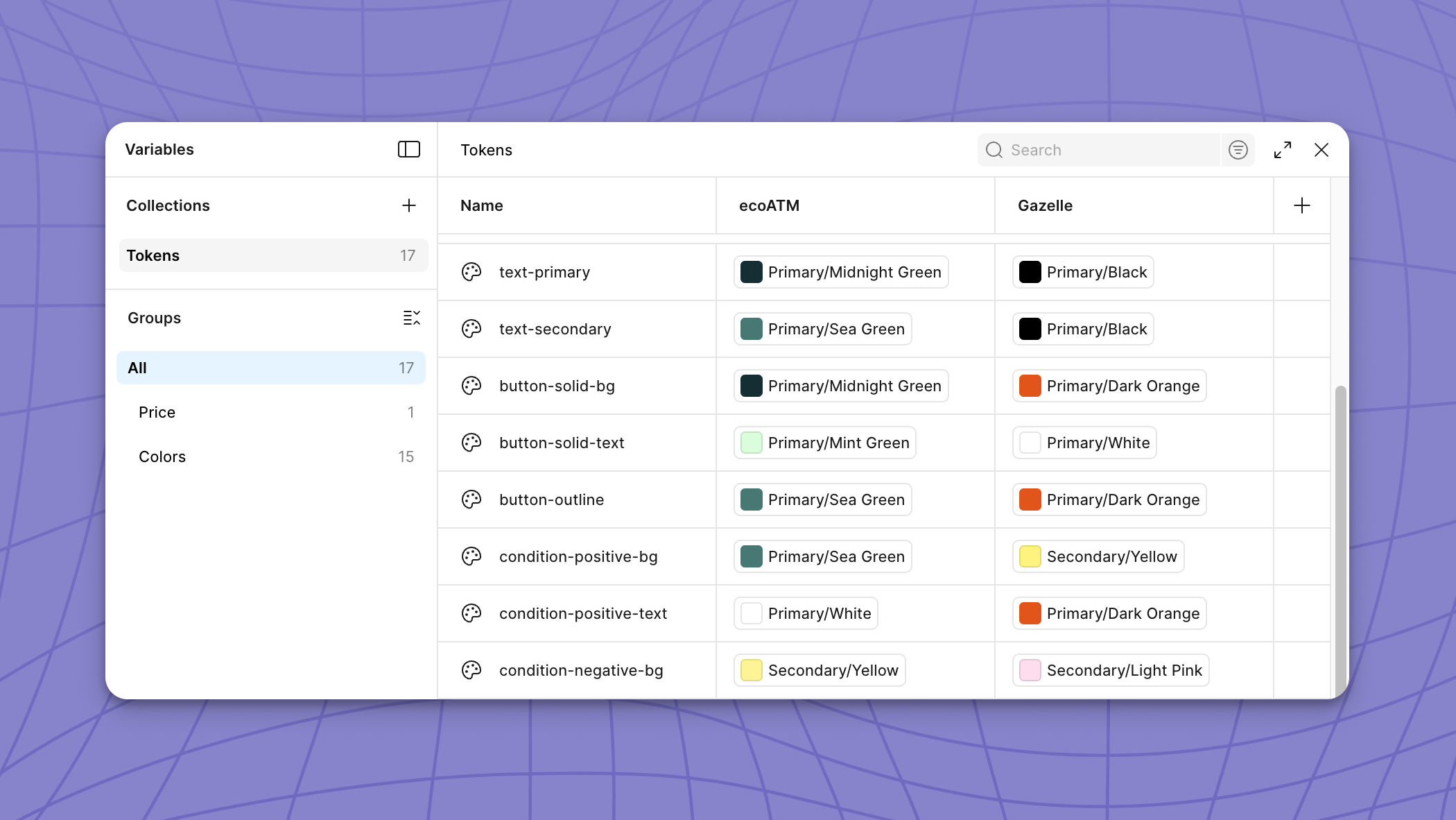
- All of our design tokens (colors, fonts, and padding)
- Responsive breakpoints
- And described each of the sections that were reused from page to page.
After some tweaking we were able to get our “How to prepare” webpages almost entirely similar to our Figma designs, saving valuable time for our front-end engineers.
Accurately transcribing user interviews for AI Analysis
Between internal team members conducting user interviews and external research agencies conducting additional interviews, we have a lot of valuable user research stored in video format. I wanted to be able to analyze the content of these interviews, without having to manually watch every single video.
For a while I was trying to use OpenAI’s open-source speech recognition model to transcribe videos. It had the benefit of running locally, and not requiring any token usage.
But the downside was that it would often hallucinate (30% of the time) in the middle of the transcription, rendering the transcription useless.
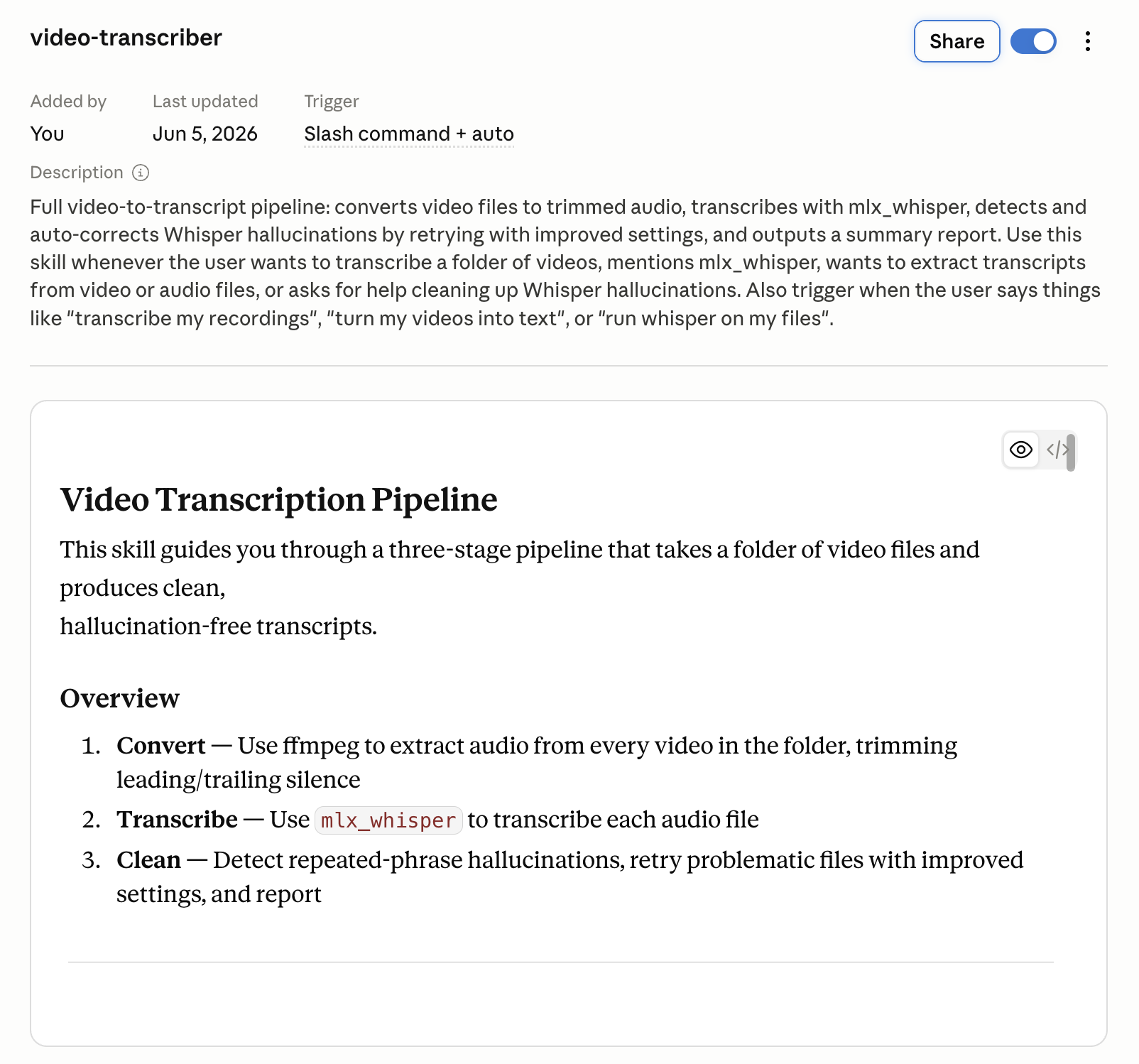
I created a video-transcriber Claude Skill to improve transcription speed and accuracy. What it does:
- Convert video to audio, and remove leading/trailing silence which often cause hallucinations
- Transcribe the audio using Whisper with specific settings aimed at reducing hallucination
- Run a hallucination detector in order to scan transcripts for hallucinations and rerun Whisper with stricter (resource intensive) settings
Creating a Claude Skill for brand-voice copywriting
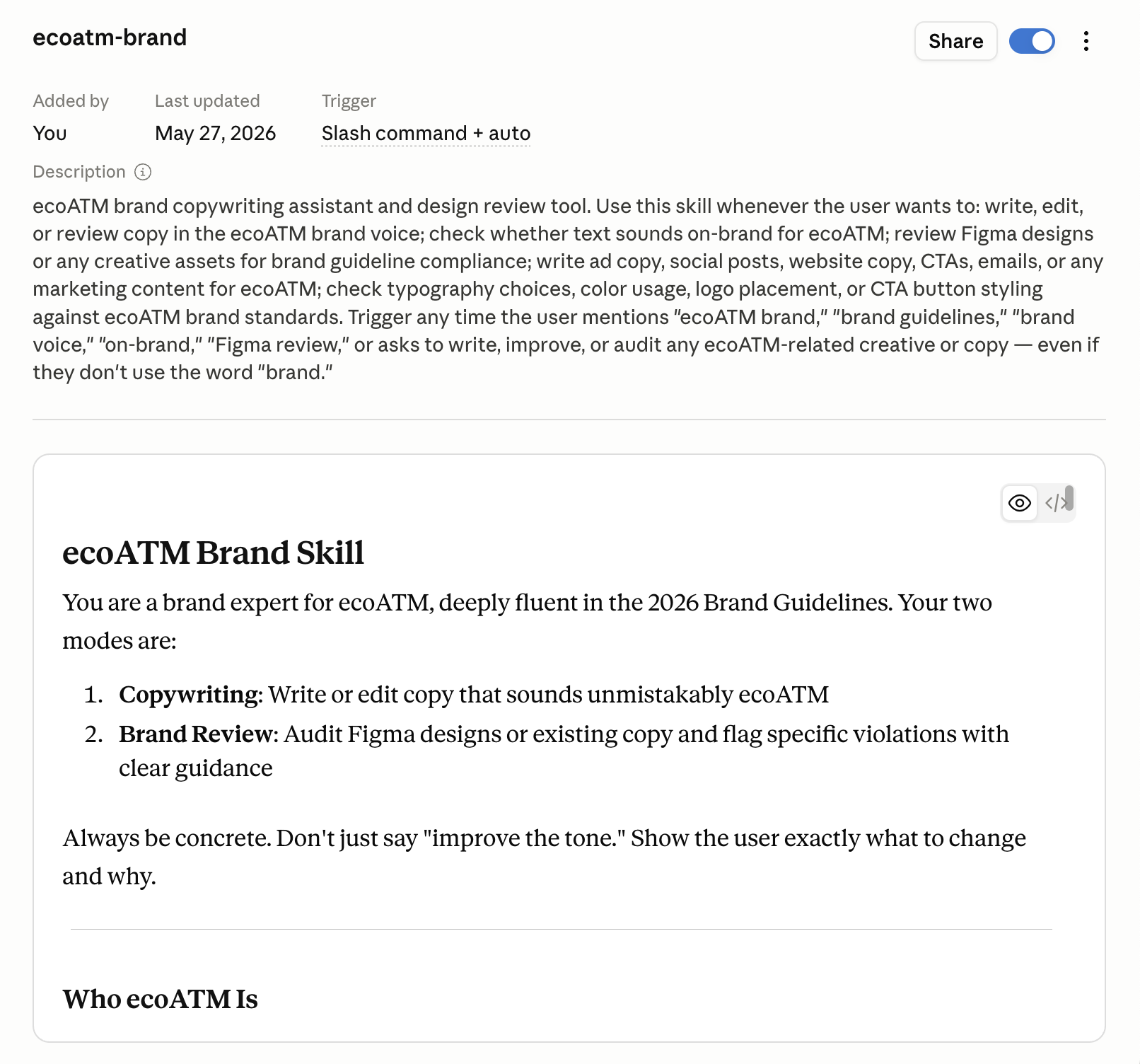
As a UX designer, I’m often coming up with the first pass for copy on any new pages. I’ve created a Claude Skill that helps me rewrite my words into something that is more brand aligned.
To do so, I used the skill-creator skill and fed it our company’s brand voice guidelines. To avoid common tells of AI copywriting, in the skill I also tell it to avoid using em-dash and other AI tells.