Leveraging Figma Variables: From Single Brand to a Shared System
2025
Design Systems
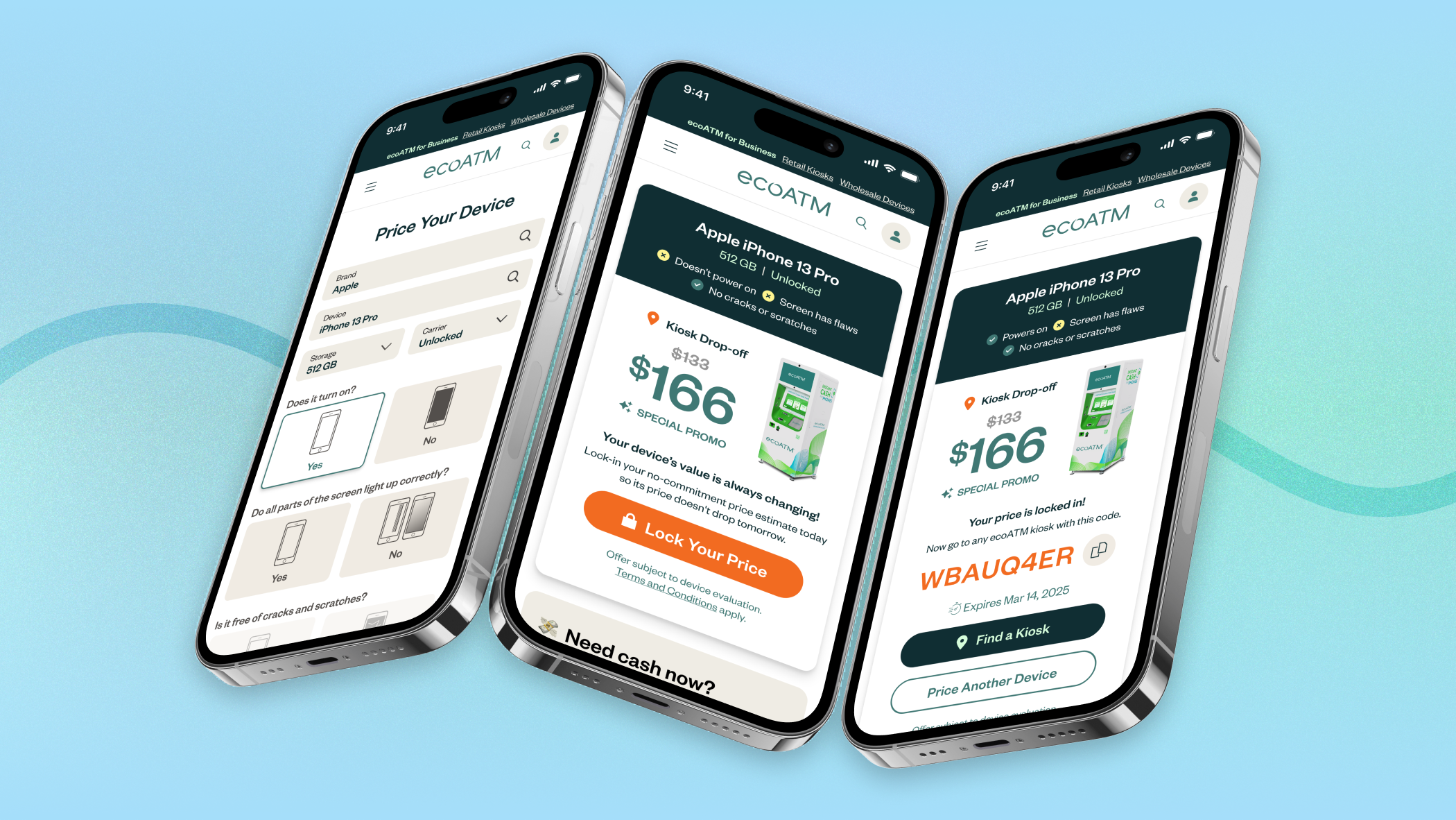
In the summer of 2025 we launched our new phone pricing widget on ecoATM.com. This single page version replaced an older multi-page widget, which improved our price lock conversion by 2% or 73k net new drop-off codes generated. I talk about the design process for this here.
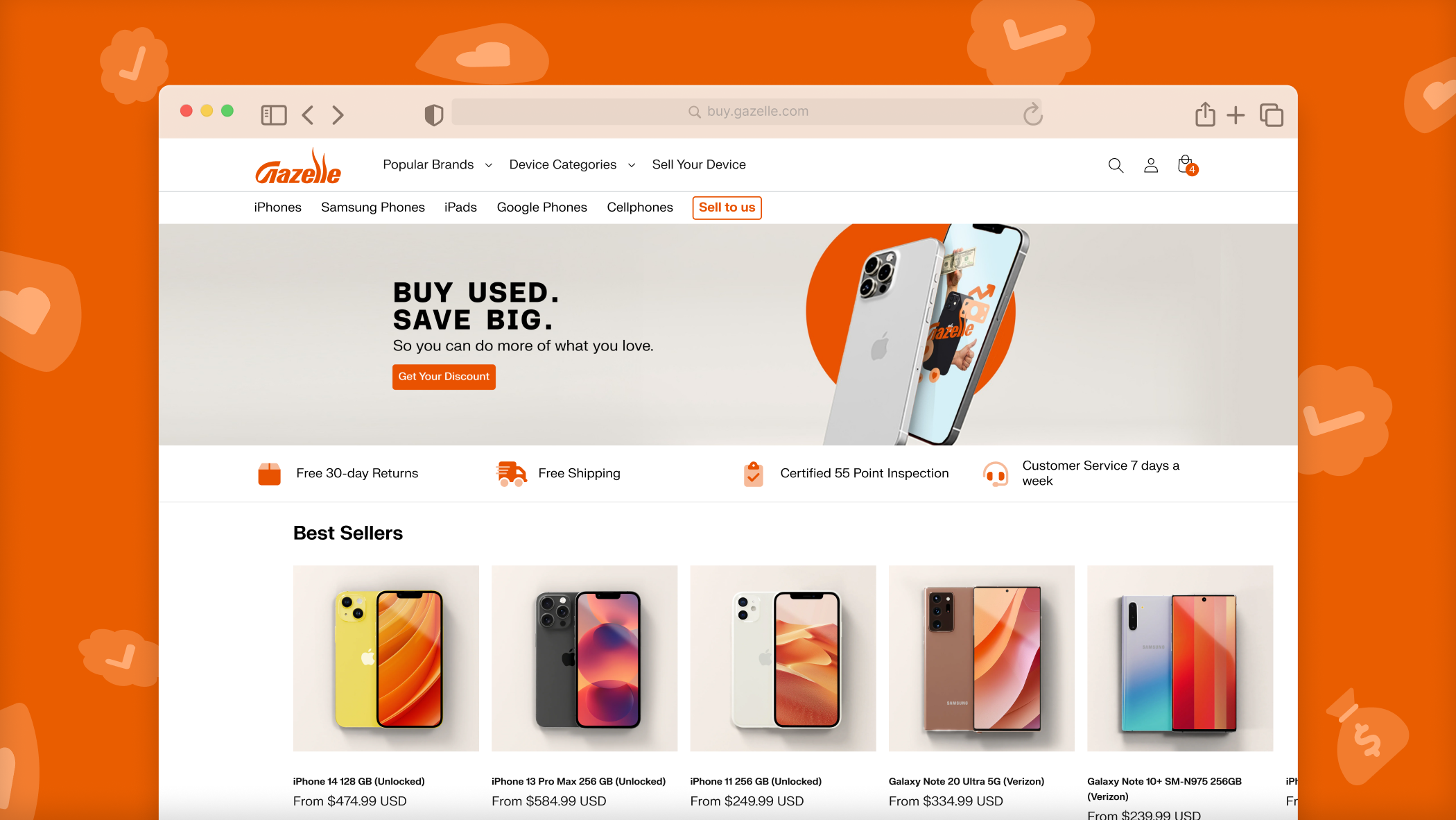
In addition to our kiosk business, the company also owns Gazelle.com, our e-commerce store where we both buy and sell secondhand devices. We wanted to bring this new pricing experience to Gazelle in order to realize some of the same improvements in conversion.
Goal: Extend the ecoATM pricing widget to replace the existing price your device flow on Gazelle.com
To do this, it was important that we re-skinned the ecoATM experience with Gazelle’s brand identity. Both brands have their own unique colors and fonts so it wasn’t as simple as just copying and pasting the designs from one website to the other. Here’s example ads for the two different brands, ecoATM is more serious & eco forward, while Gazelle is a little more fun & quirky.

In addition to the reskin, it was also important that I built these designs so that in the future we could easily add new features without having to do the tedious work of duplicating and editing the colors & typography for each brand.
To do this I took inspiration from other designers. There were several documented examples online of designers using Figma variables to toggle their designs between dark & light mode.

This gif is from the official Figma variables help article(link)
For our widget, I first had to convert our color styles (this feature has been on Figma for as long as I remember) into color variables (which were introduced in 2023). Variables have a lot more utility inside of figma, allowing you to toggle between different variables depending on the mode.

Then I created a library for our pricing widget, and in that file I created 2 variable modes, one for ecoATM and one for Gazelle. Under each mode, I listed out variable names that corresponded to different elements on our widget (text-primary, text-secondary, button-solid, button outline, etc) and assigned them to the color variables from our brand libraries. This created a mapping that would translate the ecoATM colors to the Gazelle colors.

Using Figma variables enables us to easily switch between the two brands under the “Appearances” section. I repeated this effort for all of our typography. The end result is a more easily maintainable design library for our pricing widget that will support not just a single brand, but many more.